


Astro Personal Site
Description
You are on the current version of my personal site. This is iteration three-ish. Previously my site was a raw html webpage, then it was built with Hugo, and now it is using Astro.
Static Site Generation (SSG) makes a lot of sense for a site like this. The content won’t change much at all, and when it does I am happy to get my hands a bit dirty. Astro primarily offers is a way to easily scale the site through components and collections, while still making it simple to customize. One article is as easy as twenty. (Writing effort aside) And hey, If I want more dynamic content I can still run JavaScript or even React in the client or switch to Server Side Rendering. (SSR) Check out Astro for more details than the sale pitch I just gave.
I am not going to lie, the rest of this page is not just an article about the site you are already viewing. It is also kind of a development sandbox and documentation of the elements built for the site.
Custom Components
All of these custom components are built with raw HTML and JavaScript where applicable.
Image Carousel
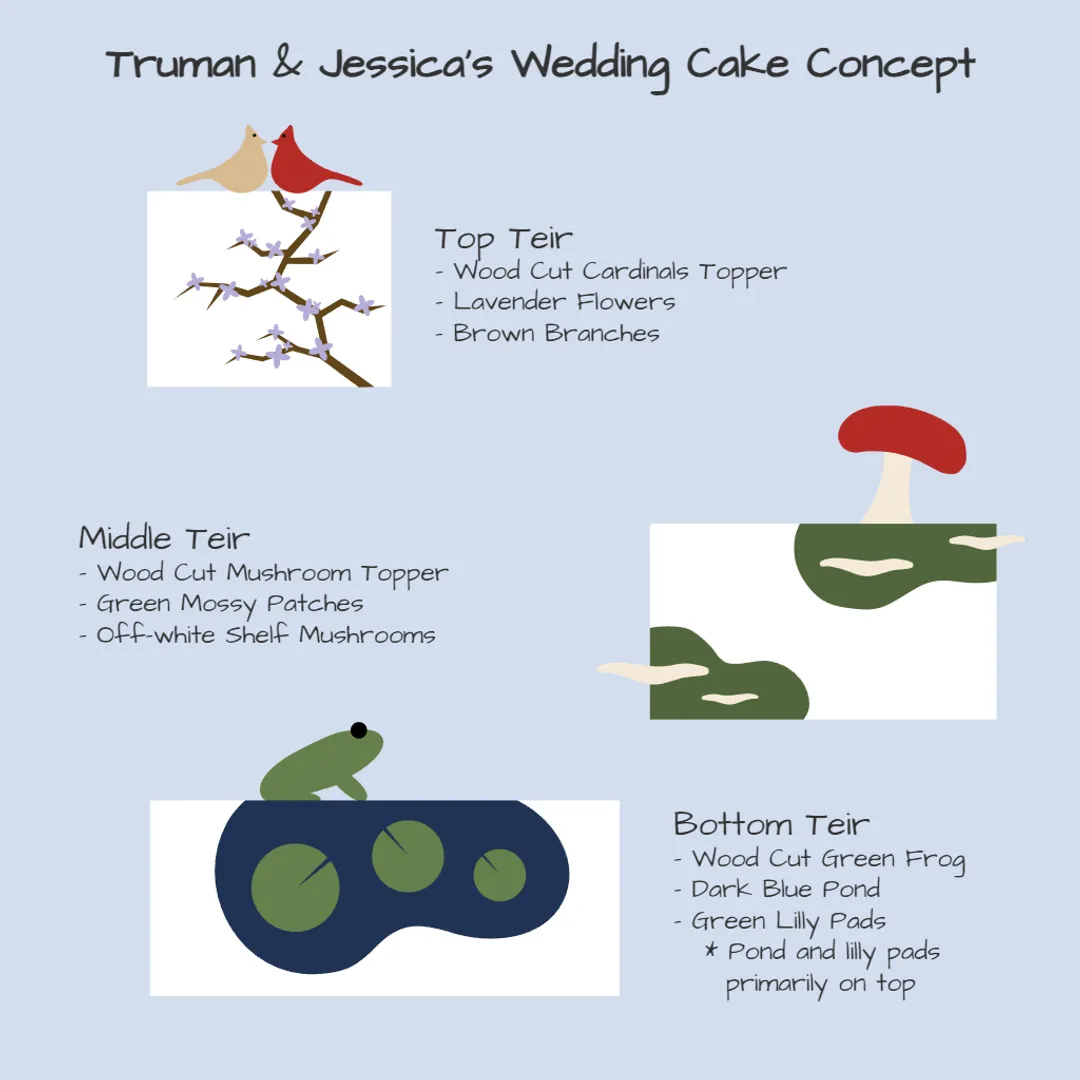
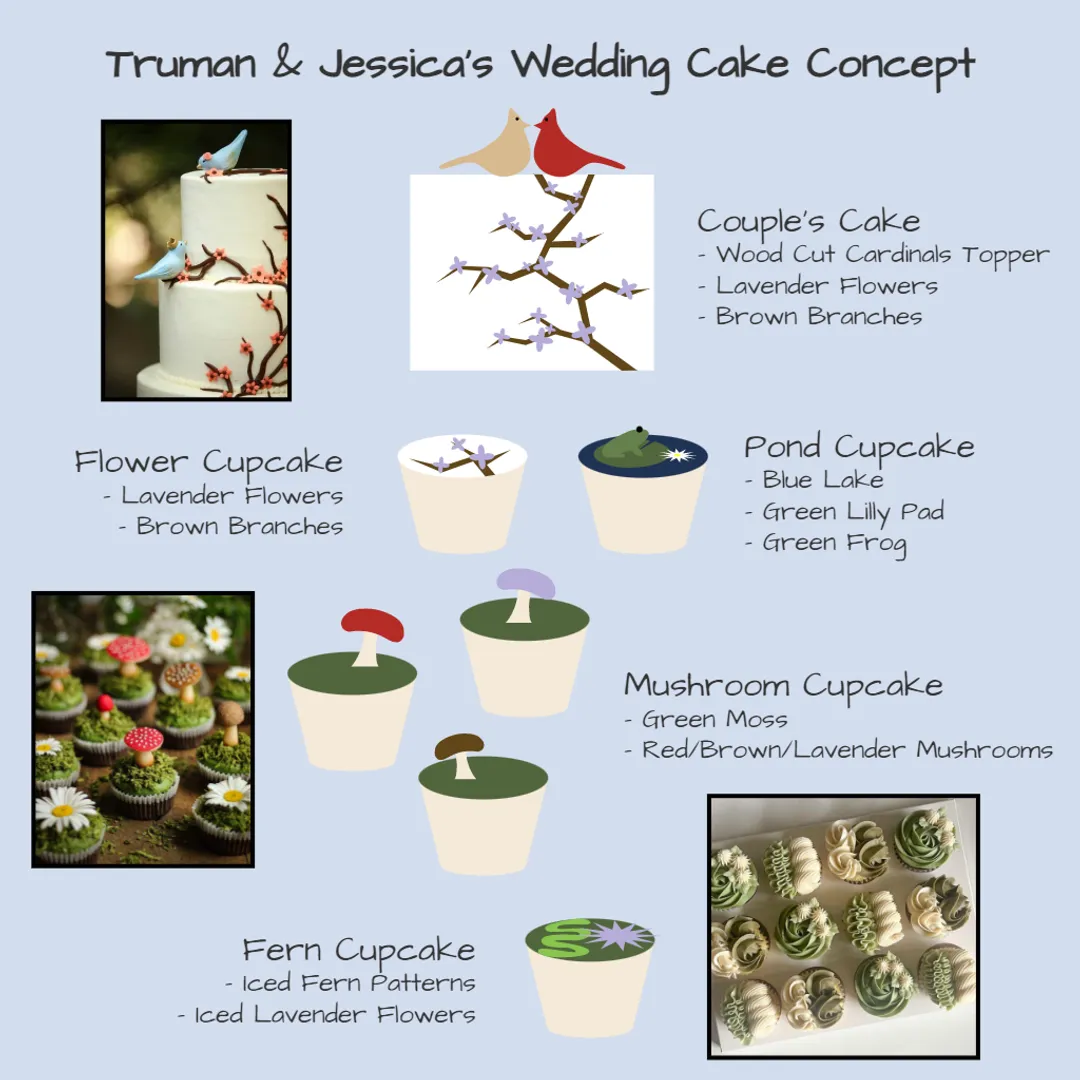
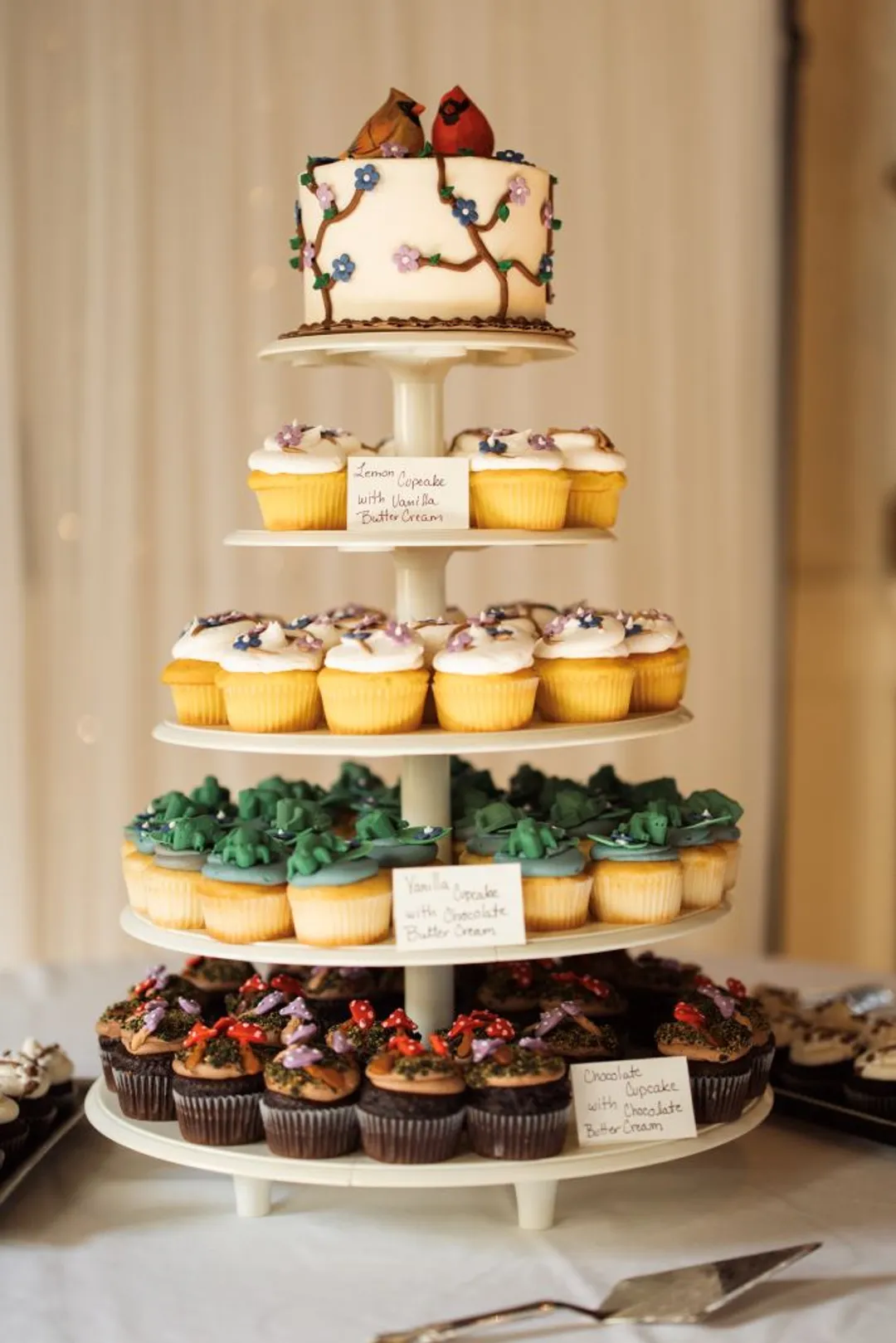
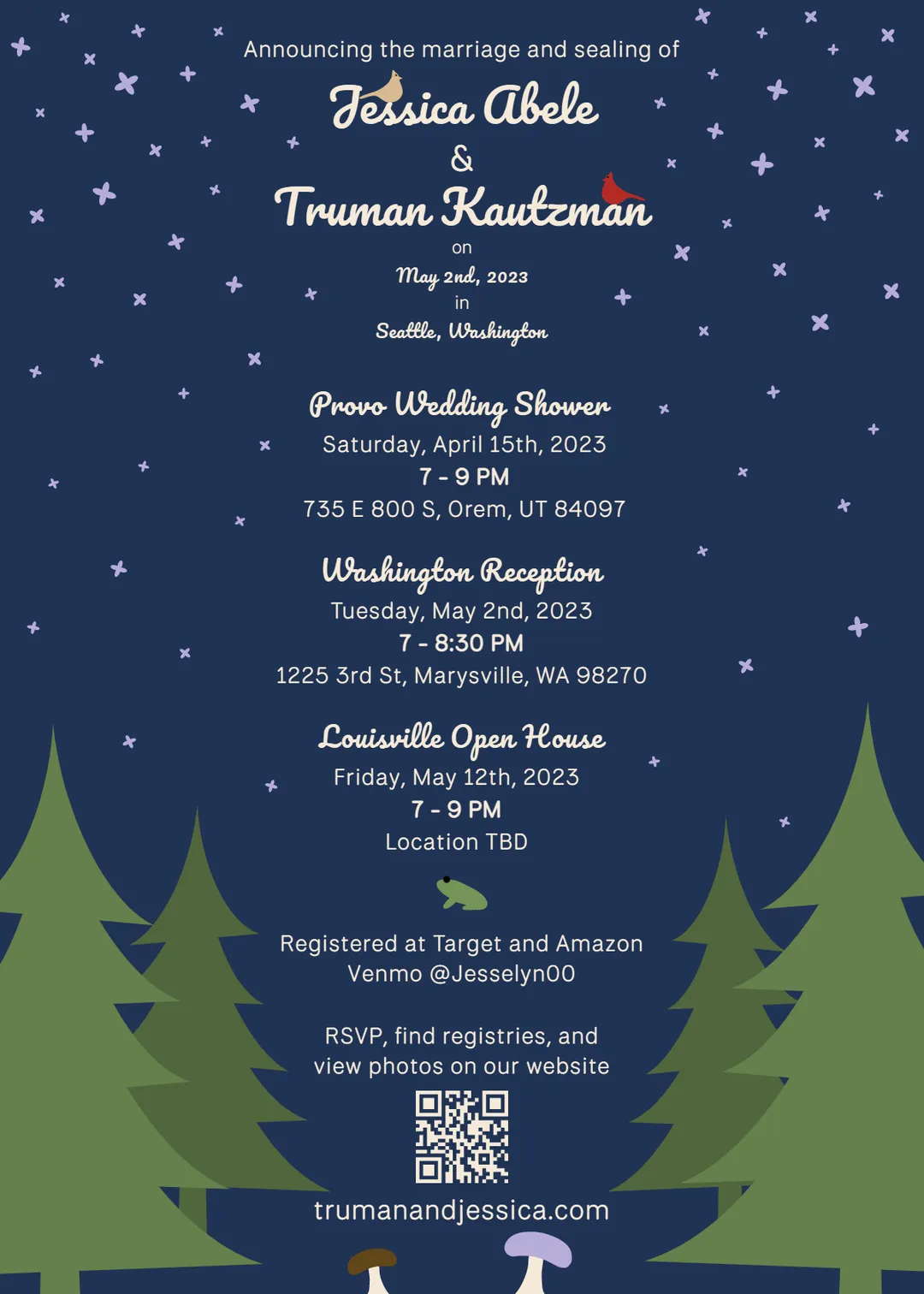
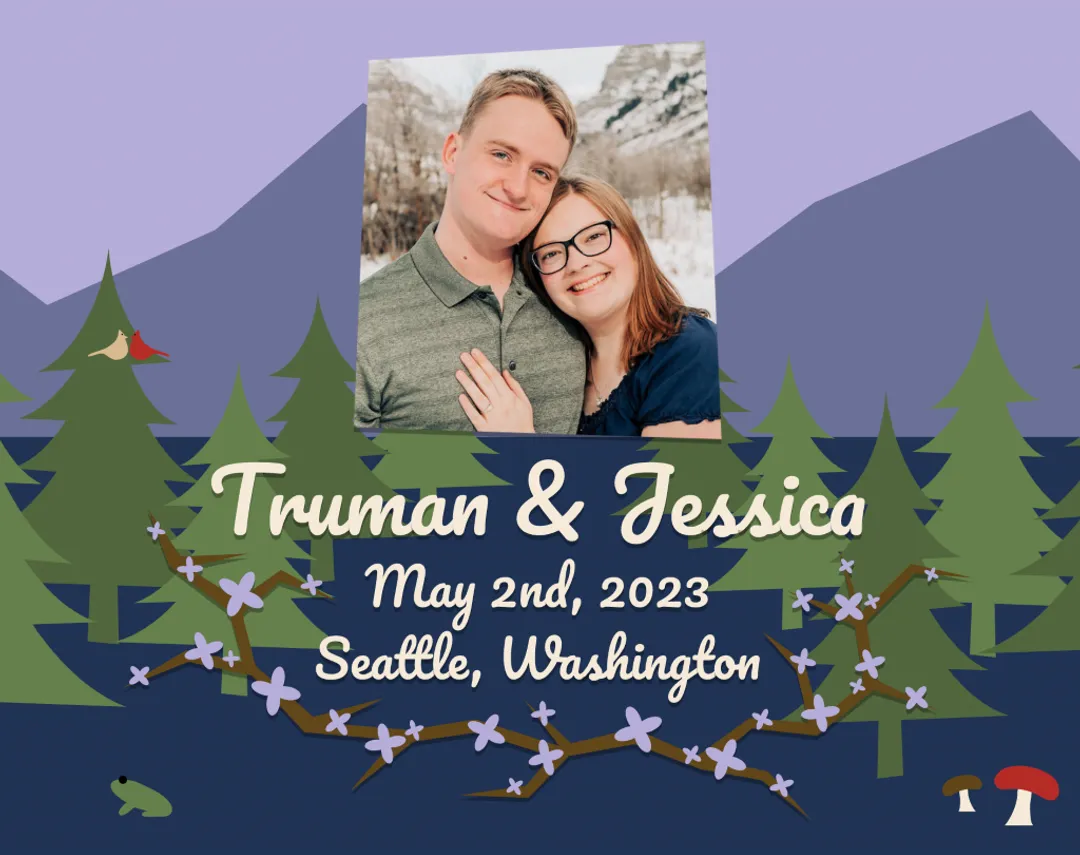
Our original wedding cake design.
Article Card

This is an Article Card
This card is a window into the articles on this site. It incorporates the animated text underline and provides a fallback image.
Buttons
Buttons are a pretty basic and common part of any webpage, so I decided to spice them up with a simple but energetic hover animation.
The button fill color swipes right, turning the whole button the border color. The text transitions swipes with the fill, becoming white. Getting the transition of the fill and text at the same time is tricky, so I layered two buttons on top of each other and animated the whole duplicate button to appear and disappear over the base look. I was careful to hide the second button from screen readers. This utilizes the component system to duplicate the button so this isn’t purely CSS, but its close.
Icon buttons are similar, only the content is an image instead of text.



Animated Underline Text
This design element is purely CSS, Tailwind CSS to be precise. This is a similar animation as the buttons, but with an underline. This can be used to indicate a link, or just add emphasis.
Conclusion
That is about it for custom components. There are other custom elements, like the primary dropdown menu, that are hard to demonstrate inside of an article, that and they are already on every page.
I enjoy building components, as each has unique requirements and challenges. The reproducibility of a component system makes refining components worth the effort. There is elegance in a small, focused element of a page that is powerful because of its wide application and adaptability.